The modern sales pipeline is no longer a sequence of human actions; it is a complex data logistics problem that actively consumes your reps' creative energy. It rewards strict data entry compliance and triggers immediate operational limits the moment a prospect drops out of your manual tracking loops.
A quick look at our internal time-tracking logs forced me to pause our entire go-to-market strategy. Our standard playbook was actively burying our top closers in admin work and killing our actual selling time.
We built this guide to share the exact automated setups, software choices, and ready-to-use templates to eliminate manual data logistics completely.
What Is Sales Workflow Automation And Why Do You Need It?
Sales workflow automation means using software and AI to execute manual, repetitive sales tasks like lead routing, data entry, and account research. Instead of forcing reps to spend hours moving data between systems, automation handles the background logistics instantly.
We call the core driver of this shift "The 71% Problem." Industry research shows that B2B sales reps spend 71% of their week on administrative work and research, leaving only 29% of their time to actually sell. Modern teams deploy conversation intelligence platforms to automatically capture this data, reclaiming lost hours and turning background administrative time back into active pipeline generation.
To scale successfully, follow the golden rule of sales automation: automate your high-volume administrative tasks, but keep human oversight for relationship-building and complex negotiations.
Top Sales Workflow Automation Tools in 2026
Evaluating software options requires looking at specific operational workflows rather than generic feature lists. Through my own pipeline experiments and technical audits, I categorize the modern automation landscape into four distinct pillars:
- Workflow Infrastructure: I rely on n8n as our primary infrastructure due to its massive pre-built template library and its unique capacity to host custom AI agents. For simpler, linear tasks, solutions like Zapier and Make provide steady alternatives.
- Sales Engagement & Outreach: I run our outbound campaigns through lemlist. While the market used to view the tool purely as a platform for automated mass mailing, it now specializes in deep personalization at scale. The system builds sophisticated, multi-channel sequences that dynamically alter email copy and LinkedIn touchpoints based on prospect data.
- Meeting Automation & Revenue Intelligence: I deploy Claap to eliminate the post-meeting administrative burden. It serves as a vital workflow layer that completely removes manual CRM data entry by syncing AI-generated call summaries and action items straight into deal pipelines. To see how this fits into the broader ecosystem, explore our breakdown of the top AI sales tools.
- Native Platform Automation: When you need to execute foundational, platform-locked tasks, build directly within HubSpot Workflows or Salesforce Flow. These native tools work well for internal data updates but lack the flexible external connectivity of dedicated infrastructure layers.
{{BANNER}}
The Game Changer: Claude for B2B Sales
Large Language Models serve as the execution engine for modern sales infrastructure, and I find that Claude acts specifically as the central brain of our setup. Rather than just generating generic text, it processes complex data inputs to make real-time operational decisions across our sales system.
Reusable Claude Skills for GTM Engineering
Sales teams are moving away from monolithic prompts and instead plugging reusable capabilities, known as Claude Skills, directly into their automation workflows. Inspired by lemlist's open library, reps can trigger these specialized skills instantly within their daily routines:
- Analyzing (Meeting Intelligence): the Claap Sales Opportunity Detector skill scans call transcripts to detect buying signals and automatically surface ranked sales opportunities.
- Writing (Outreach): dedicated outbound skills generate complete 3-email sequences customized strictly by persona, shifting the messaging automatically between VP-level, Manager-level, or Individual Contributor.
- Building (Workflow Creation): the n8n Workflow Builder skill writes production-ready code, outputting automations as directly importable JSON files to eliminate manual development.
- Moderating (Data Hygiene): operations teams deploy tools like the CRM Duplicate Detector to score and merge duplicate contacts, alongside the n8n Debugger to instantly diagnose pipeline errors.
Deep Context Ingestion
The scale of data Claude can process at once changes how I handle account research. Because of its long context window, the system ingests massive company battlecards, raw call transcripts via our revenue intelligence software, and complete CRM exports simultaneously. This deep data ingestion ensures the model gives accurate, account-specific details that reps can rely on immediately before a discovery call.
Data from Salesforce and Gartner shows that 83% of AI-using sales teams see revenue growth because this deep processing augments the representative instead of trying to replace the human element.
Filtering Tasks with the SPEAR Framework
To keep our automation guardrails intact, I run every potential task through the SPEAR Framework to ensure it fits an LLM workflow. A task is a perfect candidate for Claude if it matches these specific operational criteria:
- S - Prompt-heavy: requires deep contextual understanding rather than basic if/then logic.
- P - Error-prone: tasks where human data entry frequently slips or breaks data hygiene.
- E - Admin-heavy: background work that consumes active hours from the sales team.
- A - Repeatable: standard operations that occur multiple times during a single sales cycle.
- R - Revenue-adjacent: tasks tied directly to pipeline movement, meeting generation, or deal velocity.
5 Sales Automation Examples (With Ready-to-Use Templates)
Take these five ready-to-use workflows to stop wasting time on your pipeline. You can easily set up each one using standard connectors or by importing ready-made schemas.
1. Automated Multichannel Outreach
This setup passes high-intent leads straight from your marketing loops into personalized sales tracks without manual review.
- The Trigger: a prospect's lead score hits 80 in your CRM. This score accumulates automatically when a contact matches your Ideal Customer Profile job title (+20 points), attends a recent webinar (+30 points), and visits your pricing page twice in one week (+30 points).
- The Action: the system auto-enrolls the contact into a lemlist campaign. This initiates a personalized email and LinkedIn outreach sequence tailored precisely to the specific webinar topic they attended.
2. Post-Call AI Summaries & CRM Sync
Manual note-taking breaks the focus on selling and results in fragmented pipeline records. I resolve this by connecting my meeting data directly to downstream deal records, the same discipline behind reliable sales call recording.
- The Trigger: a sales call ends.
- The Action: Claap captures the audio to generate a full transcript and structured AI summary. The integration then updates your Salesforce deal record with the customer's top challenge and next steps.
Running this workflow automatically handles all the paperwork after your meetings. If you want to change how your summaries look, you can copy our ready-made setups directly from the Claap template gallery.
3. Deep Account Research via Claude Skills
Instead of letting reps spend thirty minutes digging through Google before an introductory call, we use an automated background research assistant.
- The Trigger: you add a new target account to your CRM database.
- The Action: an n8n workflow passes the company domain to a dedicated Claude Skill. The model scrapes the corporate website, extracts recent company news, enriches the corporate profile via Apollo data, and outputs a custom one-page battlecard alongside a drafted outreach email.
4. Lead Routing & Assignment
Speed-to-lead dictates conversion rates. This structural workflow bypasses manual triage to match inbound inquiries to reps instantly.
- The Trigger: a prospect submits a form fill on your website, firing an immediate webhook.
- The Action: n8n processes the incoming payload, checks your CRM for any existing historical account owner, and applies a Round Robin assignment rule if the account is unowned. The system then pushes an instant Slack alert containing the lead details directly to the assigned rep's device. Speed here compounds when paired with solid sales intelligence.
5. Pipeline Triage & Forecasting
Clean pipeline management usually requires constant reminders, but you can offload data sorting to an automated weekly schedule.
- The Trigger: a weekly automated schedule triggers every Friday afternoon.
- The Action: the workflow exports all open sales opportunities into a structured format. Claude analyzes stalled deals, highlights accounts showing zero activity, and generates a realistic, weighted forecast based on raw historical deal behavior. Pair this with the right sales metrics to keep your pipeline review honest.
How to Implement Your First Automated Sales Workflow
To build a pipeline infrastructure, you require an iterative deployment strategy rather than a massive system overhaul. I follow a structured four-step framework to launch production-ready automations safely without interrupting current deals.
Step 1: Audit & Identify Bottlenecks
Map your entire sales process to see exactly where reps lose the most time during their week. I track our team's operational logs to pinpoint high-friction and repetitive points. You will find that most of your wasted time comes down to typing updates into your CRM and researching accounts manually.
Step 2: Map the Logic
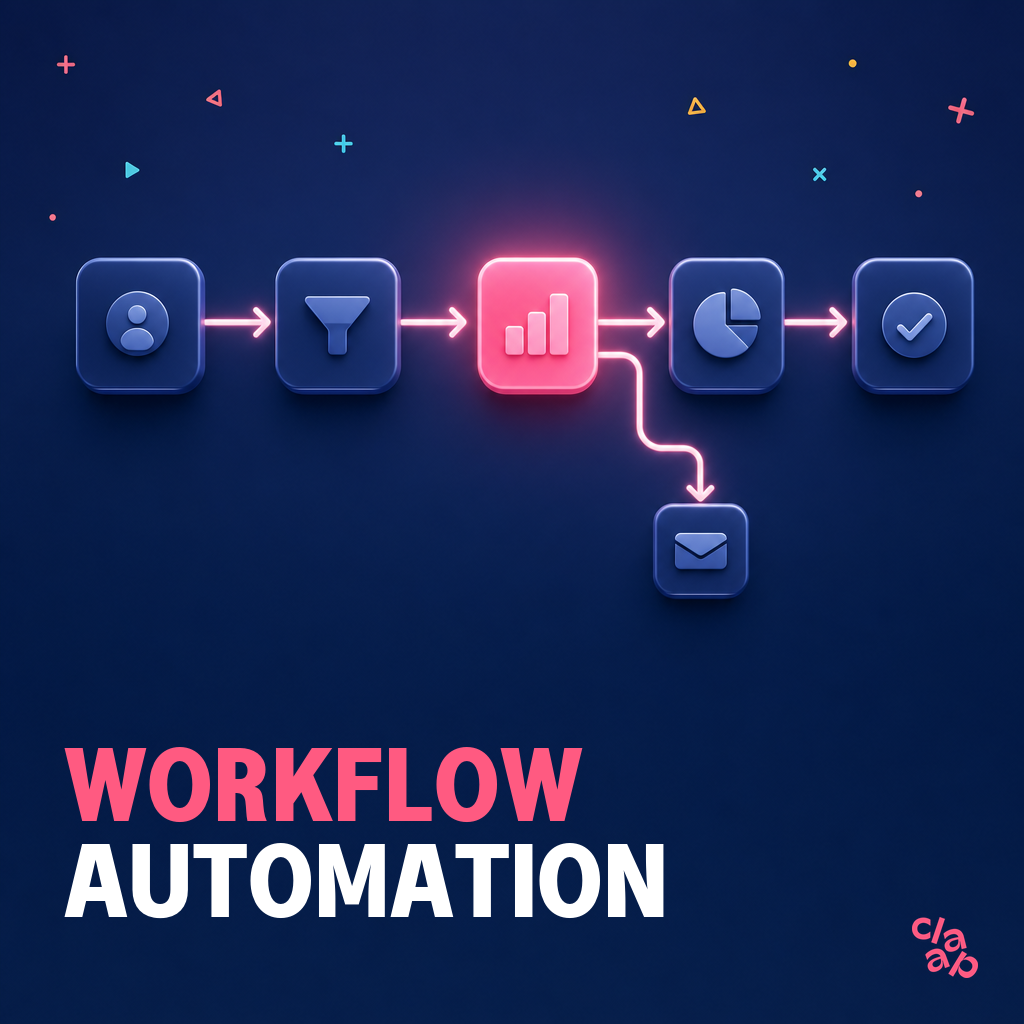
Before opening your automation builder, write out your system logic in plain text. You must explicitly define three core components:
- The Trigger: the specific event that starts the automation sequence (such as a form submission or an ended call).
- The Conditions: the rules or filters that determine if the data should proceed (using simple If/Then logic).
- The Actions: the exact downstream tasks the software must execute automatically (such as a database sync or a message notification).
Step 3: Connect & Test
Build the technical integration using your chosen connector infrastructure. When connecting your nodes, always run your initial configurations inside isolated sandbox environments or with mock test data. Running live tests with clean data hygiene prevents broken API links or looped emails from reaching your active production databases or actual client inboxes.
Step 4: Train the Team
Technical execution matters less than actual organizational adoption. Focus heavily on change management by demonstrating the explicit, immediate value to the end user. I find that reps will eagerly adopt your automated systems if the setup saves them 3 to 5 hours of manual work every single week.
Crucial Success Factors & Mistakes to Avoid
Launching an automated pipeline is just the baseline framework. To ensure long-term efficiency, you must navigate several operational pitfalls that can easily degrade system performance.
- Garbage In, Garbage Out: AI and automation fail completely without strict data hygiene. If your CRM records contain outdated, duplicate, or poorly formatted information, your workflows will simply scale those errors across your entire stack at a faster rate. Before automating any outbound sequence or data sync, establish clean data hygiene practices to keep the foundational database pristine.
- The "Over-Automation" Trap: it is easy to fall into the trap of automating every single touchpoint, but doing so destroys the vital personal touch of a sales cycle. Complex workflows still require human judgment. AI functions best as a supportive copilot to augment your reps' output, not as a replacement for human empathy and real relationship-building.
To optimize this operational balance, explore our framework on deploying AI sales assistants effectively. Keeping your automation limited to background logistics ensures your reps remain focused on authentic customer conversations.
Finally, setting up automation is never a one-time project. Because API configurations change over time, you need to check your error logs regularly. Treating your pipeline infrastructure as an evolving system ensures everything runs smoothly.
Building an automated sales pipeline requires shifting your focus from manual labor to scalable system design. By offloading administrative logistics to software and intelligent modules, your reps start focusing entirely on real, relationship-driven conversations instead of managing data entry.
The transition to automated workflows is a tactical way to amplify your team's actual selling hours. As you begin implementing these setups, start with your major workflow blocks and optimize your data logic iteratively.
Ready to power your entire sales pipeline with clean, automated data? Eliminate administrative drag and keep your CRM instantly updated by getting started with Claap today.
FAQ
What is a sales AI agent?
A sales AI agent is an autonomous software system that uses large language models to reason, make decisions, and execute multi-step go-to-market workflows based on real-time data inputs rather than following fixed, pre-programmed rules.
Which sales tasks should I automate first?
You should first automate low-risk, high-friction tasks that consume significant administrative hours, specifically manual CRM data entry, calendar scheduling loops, and meeting transcript summarization.
Targeting background operations minimizes deployment risk while giving your sales team immediate time back in their day. For example, setting up an automated workflow to sync post-call intelligence straight into your deal records eliminates hours of manual typing and protects pipeline data hygiene. By prioritizing these administrative bottlenecks before moving to customer-facing outbound automation, your team builds confidence in the underlying infrastructure without risking the core buyer experience.
How is Claude different from ChatGPT for sales?
Claude differs from ChatGPT for sales through its unique ability to run modular "Skills," its market-leading long context window for ingesting massive company documentation, and its strict emphasis on enterprise-grade data safety.
Do I need coding skills to use n8n or Zapier for sales?
No, you do not need coding skills to build sales automations, as modern workflow platforms use visual, drag-and-drop interfaces designed specifically for non-technical revenue teams and operators.
Platforms like Zapier operate entirely on a no-code model, letting you link applications through pre-built templates. While n8n offers deeper advanced customization, it uses a user-friendly layout where you can visually map your logic nodes. If a workflow requires advanced data transformations, you can deploy a Claude Skill to generate production-ready JSON files or script snippets, building complex integrations without writing code manually.
What's the difference between sales automation and marketing automation?
Sales automation optimizes the closing pipeline by handling individual prospect logistics, meeting follow-ups, and active deal management, whereas marketing automation focuses on top-of-funnel brand scaling, bulk email distribution, and broad audience segmentation.