

MCP insights & deeper HubSpot enrichment
Two upgrades that take Claap's AI insights outside of Claap: your smart tables and AI columns are now readable by Claude and any MCP client, and Field enrichment can push insights to HubSpot Meetings, Calls and Leads.
This release is all about taking Claap's AI insights outside of Claap: straight into your AI assistant, and deeper into HubSpot.
🤖 Your smart tables, now in your AI assistant
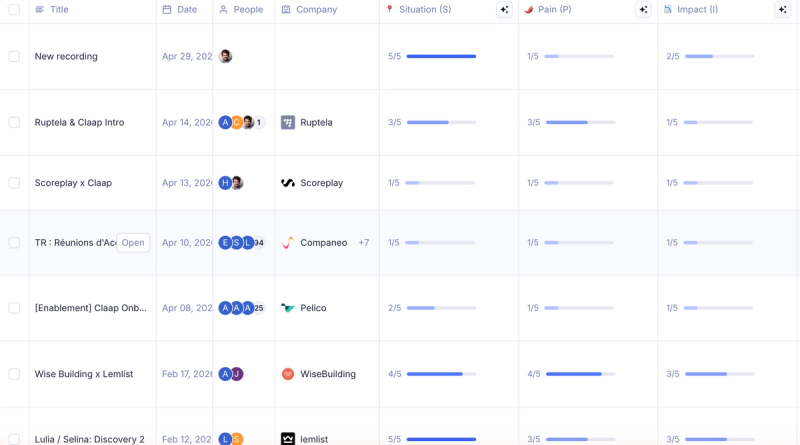
Connect Claap to Claude (or any MCP client) and your AI assistant can now read your recording views — your smart tables — and every AI column they contain. Until now, MCP only exposed transcripts and metadata. Now it gets the good stuff: the insights your templates already extract.
Here's what it unlocks:
- Skip the prompt gymnastics. Your AI fields already extracted budget, objections, and next steps — your assistant can simply read them, instead of you re-explaining the extraction logic in every prompt.
- Real workflows, end to end. Wrap up a discovery call, then ask Claude to draft the mutual action plan in Notion. It pulls the pains, budget and next steps straight from Claap — no copy-paste.
- A smarter Claap AI. Claap AI now reasons over your insights and smart tables too, for deeper answers, summaries, and cross-recording analysis.
Nothing to configure — the new tools show up automatically wherever Claap's MCP server is connected.
💡 Pro tip — point Claude at your Discovery view and ask for a dashboard. One prompt, one visual readout of your whole pipeline.
🔗 Push insights to HubSpot Meetings, Calls & Leads
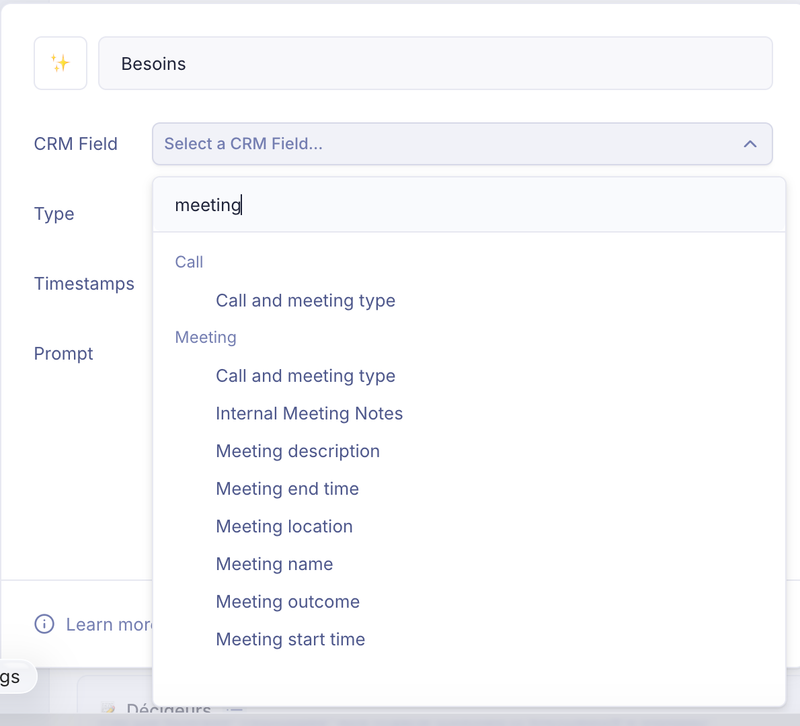
Field enrichment no longer stops at Contact, Company and Deal. You can now map your AI insights to three more HubSpot objects:
- Meeting — enrich the HubSpot Meeting created from your recording
- Call — same for Call engagements
- Lead — enrich the active Leads tied to your meeting's external attendees
All their standard and custom properties are right there in the CRM field menu when you configure Field enrichment. No more parking meeting data in Deal notes because the right object wasn't supported.
💡 Heads-up — Lead enrichment needs HubSpot's optional lead scopes. Don't see Lead in the menu? Reconnect HubSpot and grant lead read/write access.
🛠 Fixes
- The Small Talk section now sticks to your meeting's actual chit-chat — no more stray sample text sneaking into the output.
Both updates are live today, on every plan. Connect Claap to your AI assistant from Settings → Integrations, and tell us what you build with it.